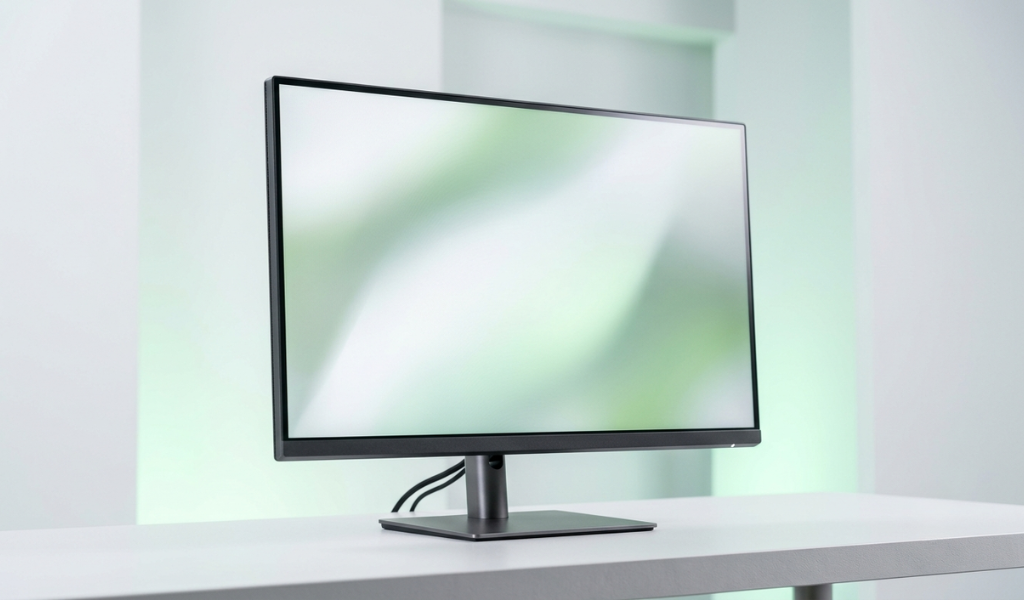
Monitors do not get talked about as much as laptops or desktops when it comes to refurbished electronics, but they are actually one of the smartest categories to buy refurbished in. A monitor has far fewer moving parts than a laptop or a desktop, which means there is less that can go wrong over time, and a properly tested refurbished monitor can perform just as well as a brand new one for years without any noticeable difference.
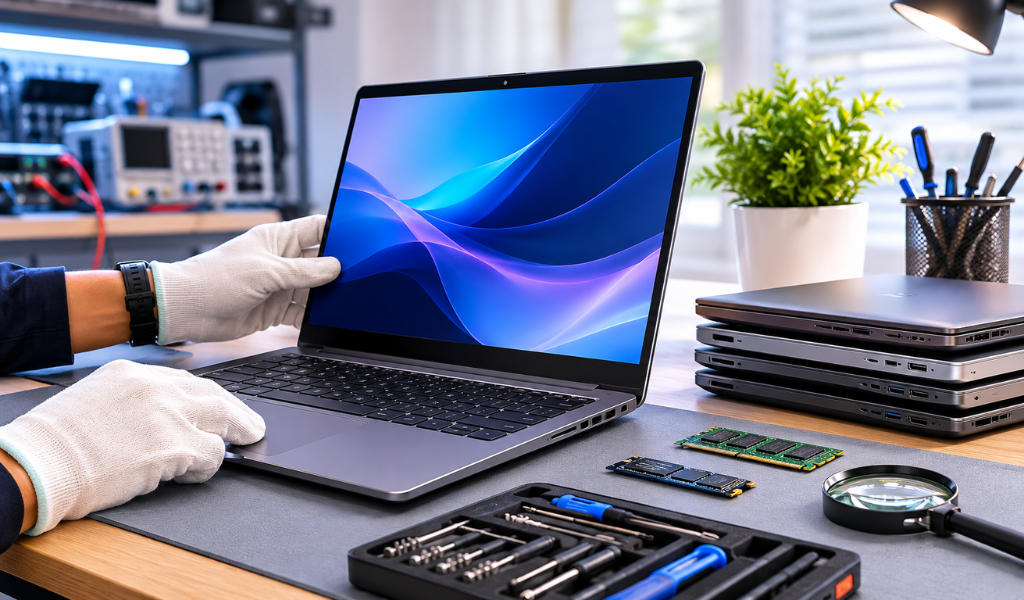
A refurbished monitor is a pre owned display unit that has been inspected, tested, and restored to proper working condition before being resold. During this process, the panel is checked thoroughly for dead pixels, backlight issues, and color accuracy problems, while the ports, buttons, and stand mechanisms are tested to confirm everything functions the way it should. Because monitors are relatively simple devices compared to full computers, this testing process is usually quick, thorough, and reliable.
Why Monitors Are a Smart Refurbished Purchase
Unlike laptops and desktops, which have processors and storage that can degrade meaningfully in performance over time, a monitor's core function does not really change with age as long as the panel itself is healthy. A five year old monitor with a good panel displays images just as sharply today as it did when it was new. This makes refurbished monitors a particularly low risk category, since the main thing you are checking is the physical condition of the panel rather than any performance benchmarks that change over time.
Monitors are also commonly sourced from office and business environments, where they were used primarily for standard productivity work rather than intensive gaming or heavy brightness settings. This kind of moderate, consistent use tends to be gentler on a monitor's panel and backlight compared to monitors used for long gaming sessions, which means refurbished monitors from office sources are often in excellent condition.
Key Things to Check Before Buying a Refurbished Monitor
Panel type has a big impact on how the monitor performs for different uses. IPS panels offer the best color accuracy and the widest viewing angles, making them ideal for design work, photo editing, and general productivity where color matters. TN panels have faster response times, which makes them better suited for competitive gaming, though color accuracy is generally weaker. VA panels sit in between, offering good contrast and reasonably accurate colors, making them a solid all around choice.
Resolution is another important factor to check, whether the monitor supports Full HD, 2K, or 4K, depending on what you need it for. Full HD is perfectly fine for general use and office work, while 2K or 4K is more suited for design, video editing, or an upgraded viewing experience.
Refresh rate matters most if you plan to use the monitor for gaming or fast moving video content. A standard 60Hz refresh rate works fine for regular use, but if gaming or smooth motion is a priority, look for monitors offering 75Hz or 144Hz.
Dead pixel checking is one of the most important things to do before finalizing a purchase. Display solid color backgrounds, white, black, red, green, and blue, one at a time, and look closely across the entire screen for any pixel that does not match the surrounding color or appears stuck.
Ports and connectivity should match what you plan to connect the monitor to. Check whether it has HDMI, VGA, or DisplayPort, and confirm this lines up with the outputs available on your laptop or desktop.
Stand adjustability affects comfort more than people expect, especially if you are going to be sitting in front of the monitor for long hours. Height adjustment, tilt, and swivel options make a noticeable difference for ergonomic setups.
Screen size should be chosen based on your actual workspace and use case. Something in the 21 to 24 inch range works well for general use, while larger sizes are better suited for design work, multitasking, or gaming setups.
Best Monitor Brands to Consider When Buying Refurbished
Dell monitors, particularly the UltraSharp and Professional series, are widely regarded as some of the most reliable options in the refurbished market. These monitors are known for accurate color reproduction and consistent build quality, making them a favorite among office and design professionals.
HP monitors offer a good balance of performance and affordability in the refurbished category, with business focused models built for long-term reliability in office environments.
Samsung monitors, especially their curved and higher-resolution models, are a strong option for buyers who want a slightly more premium viewing experience without paying full retail price.
LG monitors are well known for their IPS panel technology, which makes refurbished LG monitors particularly appealing for anyone who prioritizes color accuracy and wide viewing angles.
Acer monitors tend to be a good budget-friendly option in the refurbished market, especially for buyers who want a reliable secondary display or a basic setup without spending too much.
When choosing between these brands, think about your primary use case. Dell and LG tend to be stronger choices for color-accurate work, while HP and Acer are solid, dependable options for general productivity and budget-conscious setups.
Refurbished Monitor vs New Monitor
| Factor | Refurbished Monitor | New Monitor |
|---|---|---|
| Price | 30 to 50 percent lower | Full retail price |
| Display quality | Same as original panel, if well tested | Guaranteed new panel |
| Dead pixel risk | Low, if properly inspected | Very low, factory new |
| Warranty | Usually 6 months to 1 year | 1 to 3 years |
| Best for | Budget buyers, secondary displays | Buyers needing long term new coverage |
FAQ's
1. How do I check if a refurbished monitor has dead pixels?
Display solid color backgrounds like white, black, red, green, and blue on the screen and look closely for any pixels that do not match the surrounding color.
2. Is a refurbished monitor good for gaming?
Yes, as long as it has a suitable refresh rate and response time, a refurbished monitor can handle gaming well, especially casual and mid range gaming needs.
3. What panel type is best in a refurbished monitor?
IPS panels are best for color accuracy and viewing angles, while TN panels suit fast paced gaming due to quicker response times.
4. How long does a refurbished monitor last?
A well tested refurbished monitor can last 5 to 7 years with normal usage.
5. Which brand is best for a refurbished monitor?
Dell and LG are known for strong color accuracy and build quality, while HP and Acer offer reliable, budget friendly options for general use.
6. Does a refurbished monitor come with a warranty?
Yes, trusted sellers like LapEasy offer warranty coverage on refurbished monitors, giving buyers protection against display or hardware issues.
Explore tested refurbished monitors on LapEasy, including Dell, HP, Samsung, LG, and Acer models, each one verified for display quality and backed by warranty support.