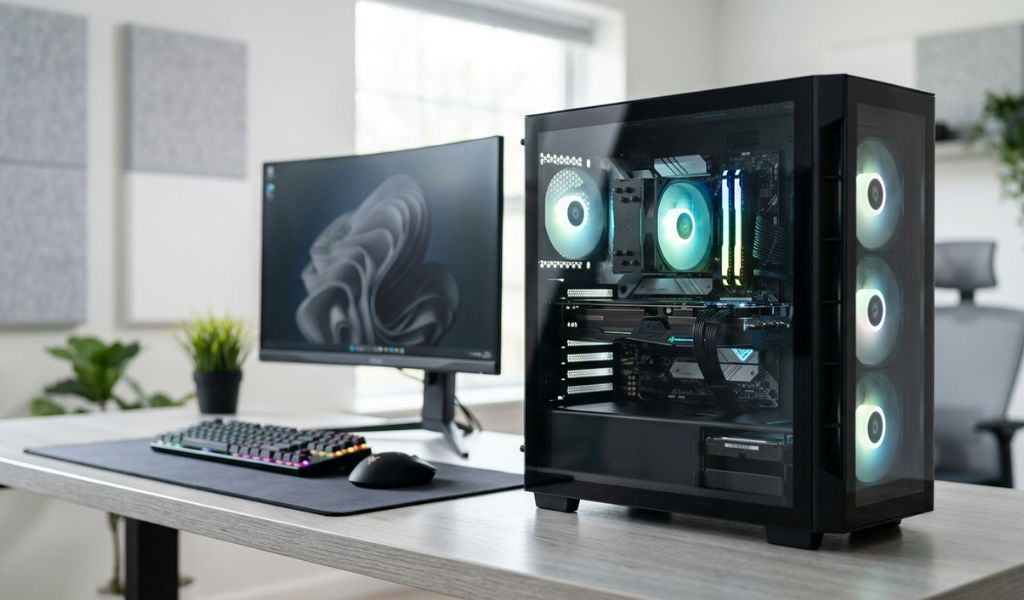
When people think about upgrading their computer setup, the first thing that usually comes to mind is a laptop. But desktops still hold a strong place, especially for offices, students who need a stable setup at home, and anyone who wants better performance for the price they are paying. A refurbished desktop takes this value proposition even further, letting you get a fully capable computer system without spending anywhere close to what a new one would cost.
A refurbished desktop is a pre owned computer that has gone through a proper inspection and testing process before being resold. This means the motherboard, processor, RAM, storage, and power supply have all been checked individually, faulty components replaced if needed, and the entire system cleaned and restored to reliable working condition. Because desktops are built with separate, replaceable components, this testing process tends to be even more thorough than what happens with laptops, where everything is packed into a single sealed unit.
Why Desktops Make Excellent Refurbished Purchases
There is a reason experienced buyers often say that desktops are the safest category within refurbished electronics. Unlike a laptop, where a single hardware failure can sometimes mean replacing the entire unit, a desktop's components can be tested and swapped individually. If the power supply is weak, it gets replaced. If the RAM is underperforming, it gets upgraded. This modularity means a refurbished desktop that reaches the market has usually been through a more rigorous quality check than most people realize.
Desktops also tend to come from corporate and institutional sources in large volumes. Offices, schools, and government departments frequently replace their entire fleet of computers on a set schedule, not because the machines have stopped working, but because of internal upgrade policies. These systems were typically used for standard office tasks, kept in controlled indoor environments, and maintained by IT teams, which means they arrive in the refurbished market in genuinely good condition.
Best Use Cases for a Refurbished Desktop
For office work, a refurbished desktop with a mid range processor and 8GB of RAM comfortably handles spreadsheets, emails, video calls, and standard business software. This is by far the most common use case, and it is also where refurbished desktops offer the best value, since office tasks rarely require cutting edge hardware.
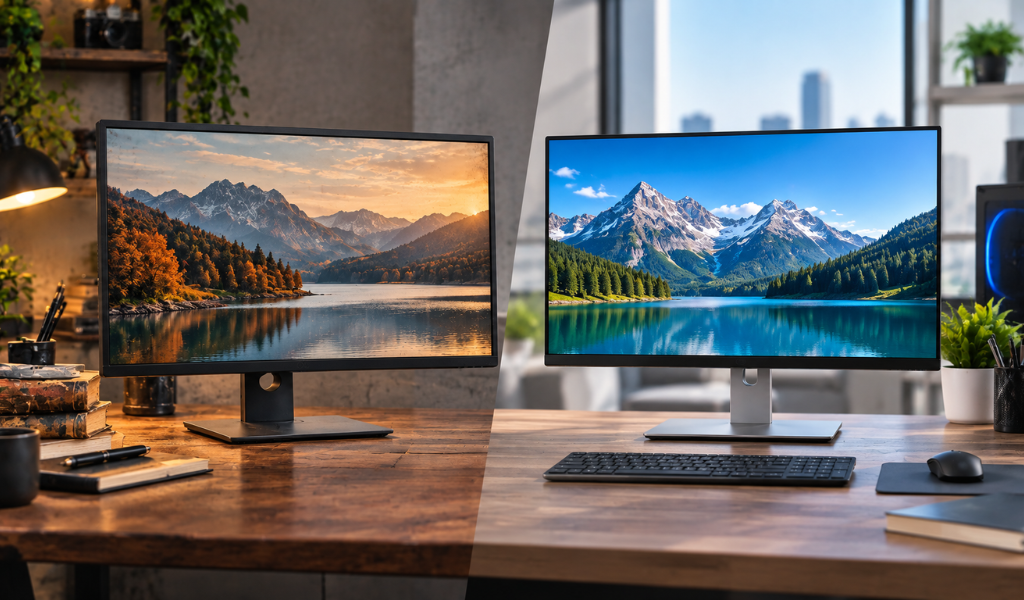
For students, a refurbished desktop paired with a separate monitor is often more affordable than an equivalent laptop, and it gives better long term upgradeability. If a student's needs grow, whether it is more storage or more RAM, a desktop can be upgraded far more easily than most laptops.
For home use, refurbished desktops handle browsing, streaming, and everyday computing needs without any issue. Many households still prefer a desktop setup for the larger screen and comfortable typing experience, especially for tasks that involve a lot of typing or spreadsheet work.
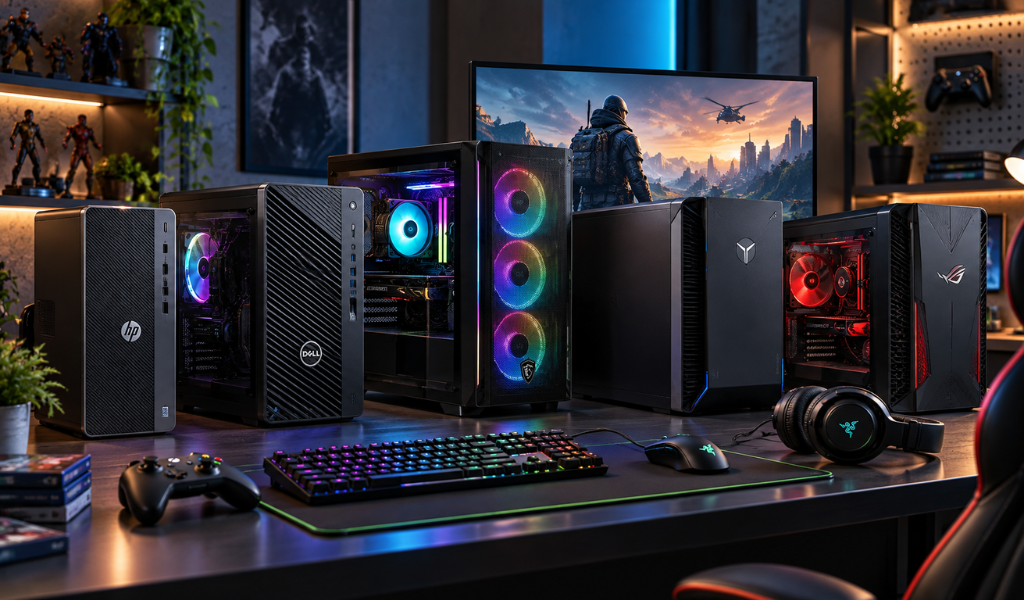
For gaming or creative work, higher-specification refurbished desktops with a dedicated graphics card can support light to moderate gaming, as well as photo editing and basic video editing tasks. While it will not match a brand-new high-end gaming rig, it offers a meaningful performance jump over integrated graphics at a fraction of the price.
Best Desktop Brands to Consider When Buying Refurbished
Just like with laptops, certain desktop brands tend to hold up better in the refurbished market because of how they were originally built and used.
Dell OptiPlex desktops are extremely common in the refurbished market and for good reason. These were built specifically for business environments, designed for reliability over years of continuous use, and Dell's widespread parts availability makes future repairs simple and affordable.
HP EliteDesk and ProDesk models follow a similar pattern to Dell OptiPlex. Originally built for corporate deployment, these desktops are compact, energy efficient, and built to run reliably for extended periods, which makes them a strong choice in the refurbished category.
Lenovo ThinkCentre desktops carry the same reputation for durability that Lenovo's ThinkPad laptops are known for. These machines are built with business use in mind, focusing on stability and consistent performance rather than flashy design.
HP and Dell towers with dedicated graphics are worth looking at specifically if you want a refurbished desktop for light gaming or creative software, since these configurations sometimes come with a discrete GPU already installed, saving you the cost of adding one separately.
When comparing these brands, business grade lines like OptiPlex, EliteDesk, and ThinkCentre are generally the safest bet because they were built for continuous daily operation, unlike consumer desktops that were often used more casually and may have less consistent maintenance history.
What to Check Before Buying a Refurbished Desktop
Processor and RAM should match your actual workload rather than just looking at the highest numbers available. A basic office setup does not need the same specifications as a system meant for editing or multitasking heavy software.
Storage type has a big impact on how the system feels day to day. A refurbished desktop with an SSD boots up and loads programs significantly faster than one relying only on a traditional hard drive, even if other specifications are similar.
Power supply condition is something that is easy to overlook but important to confirm. Ask whether the power supply unit has been tested, since this component tends to degrade over years of use and is often the first thing to fail in an older system.
Ports and connectivity matter based on what peripherals you plan to use. Check for the number of USB ports, HDMI or DisplayPort outputs, and whether the system supports the monitor and accessories you already have or plan to buy.
Operating system licensing should always be confirmed. Ask whether the desktop comes with a genuine licensed operating system pre installed, rather than an unlicensed copy that could cause issues later.
Warranty coverage of at least six months on core components gives you protection in case anything goes wrong after purchase, which is especially important with a system built from multiple separate parts.
Refurbished Desktop vs New Desktop
| Factor | Refurbished Desktop | New Desktop |
|---|---|---|
| Price | 30 to 55 percent lower | Full retail price |
| Performance | Same as original specs | Same as original specs |
| Customization | Limited to available stock | Fully customizable |
| Warranty | Usually 6 to 12 months | 1 to 2 years |
| Best for | Budget buyers, offices, students | Buyers needing latest specs |
FAQ's
1. Is a refurbished desktop good for office use?
Yes, a refurbished desktop with adequate RAM and processor handles day to day office tasks reliably and cost effectively.
2. How long does a refurbished desktop last?
A properly maintained refurbished desktop can last 4 to 6 years with regular use.
3. Is it safe to buy a refurbished desktop PC?
Yes, when purchased from a trusted seller who tests hardware components and provides a warranty on the system.
4. Can a refurbished desktop be upgraded later?
Yes, desktops are generally easier to upgrade than laptops, allowing you to add more RAM or storage as needed.
5. Which brand is best for a refurbished desktop?
Dell OptiPlex, HP EliteDesk, and Lenovo ThinkCentre are considered the most reliable options in the refurbished market due to their business grade build quality and long operational lifespan.
6. Does a refurbished desktop come with a monitor?
This depends on the seller. Some sellers offer desktop only configurations, while others provide bundled deals with a monitor included.
Check out reliable refurbished desktops on LapEasy, including Dell OptiPlex, HP EliteDesk, and Lenovo ThinkCentre models, each one tested for performance and backed by warranty coverage.