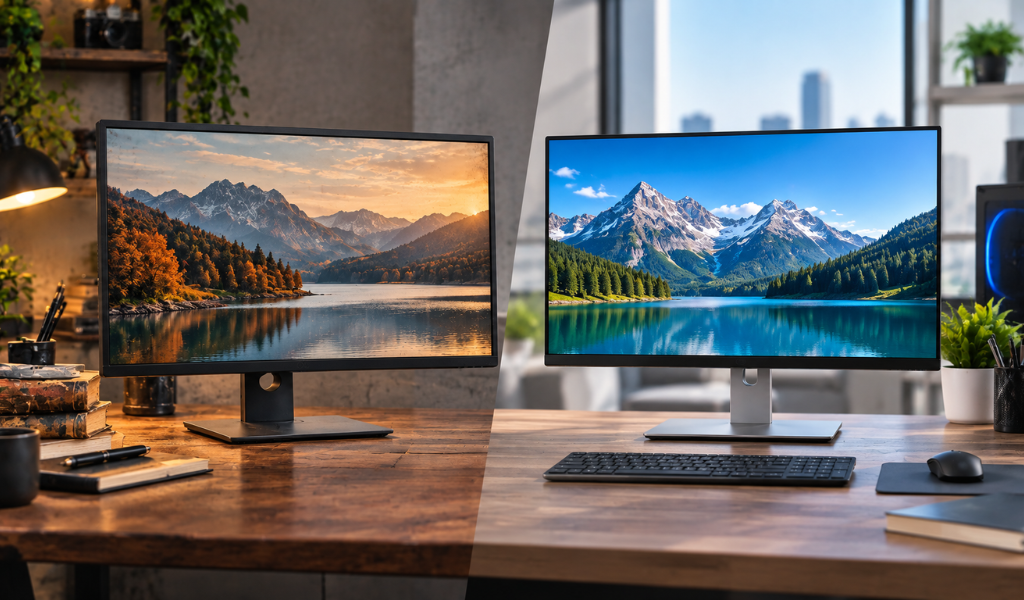
You've sorted out your laptop or desktop. Now you need a screen, and the price gap between new and refurbished monitors is hard to ignore. But is the saving worth it?
Let's break it down honestly, so you can decide based on how you actually use your screen instead of guesswork.
What Does "Refurbished Monitor" Really Mean?
A refurbished monitor is a pre-owned display that's been inspected, tested, cleaned and restored to working condition. Good sellers check for dead pixels, brightness problems and connection faults before reselling.
It's the same idea as certified refurbished laptops: the "certified" part means someone has actually tested the product to a standard, rather than just wiping the dust off and listing it. Quality varies by seller, so the process matters more than the label.
The Case for Refurbished Monitors
1. Price
This is the big one. Refurbished monitors are commonly priced well below new, and the savings are often biggest on higher-end models: large screens, high refresh rates, colour-accurate panels. The same logic applies to cheap refurbished laptops: you're paying for the remaining useful life, not the showroom shine.
2. Monitors Are Simple, So They Age Well
A laptop has batteries, fans, hinges and keyboards that wear out. A monitor has none of that. It's essentially a panel, a backlight and some electronics. If it works properly at purchase, it usually keeps working for years. This is why monitors are one of the safest refurbished categories.
3. Access to Better Panels
With a fixed budget, refurbished lets you step up a category. Instead of a basic new monitor, you might afford a premium IPS panel with better colours and viewing angles, useful for design, editing and long work hours.
4. Less Waste
Buying refurbished keeps working electronics in use longer, which is better for the environment and often good enough for most needs.
The Case for New Monitors
1. A Clean Slate
New means no hidden history. There's no question about how many hours the backlight has run, or whether the previous user left it on for years.
2. Full Manufacturer Warranty
New monitors usually come with a full brand warranty, often several years. Refurbished units come with the seller's warranty instead, which is shorter, so read the terms.
3. Latest Technology
If you want the newest standards, such as very high refresh rates, the latest connectivity, HDR performance or brand-new panel technology, new is often the only way.
4. Perfect Cosmetics
New screens have no scratches, stand marks or discolouration on the bezel.
Side-by-Side Comparison
| Factor | Refurbished | New |
|---|---|---|
| Price | Lower, sometimes significantly | Higher |
| Warranty | Seller warranty, shorter | Full manufacturer warranty |
| Condition | Tested, minor cosmetic wear possible | Perfect |
| Latest Features | Limited to older models | Newest tech available |
| Value for Money | Excellent if bought well | Good, but you pay for newness |
| Risk | Depends on seller | Very low |
What Can Actually Go Wrong With a Refurbished Monitor?
Let's be straightforward about the risks so you know what to check.
- Dead or stuck pixels. Tiny dots that stay black, white or coloured. Ask for a pixel check.
- Backlight bleed. Light leaking around the edges on dark screens. A little is normal; a lot is annoying.
- Uneven brightness. One patch of the screen looking dimmer or tinted.
- Burn-in or image retention. Ghost images from long static content, more common on some panel types.
- Faded backlight. Older monitors may not reach original brightness.
- Stand and port wear. Wobbly stands, loose HDMI or DisplayPort connections.
None of these is a reason to avoid refurbished. They're simply the things a good seller tests for and a smart buyer checks.
Who Should Buy Refurbished?
Home office and work users. You need a clean, sharp, reliable display, not the latest gaming tech. Refurbished gives you a big screen for less.
Students. A second screen is a productivity boost, and it doesn't need to be new.
Small businesses. Fitting out several desks with monitors is far cheaper with refurbished, and you can standardise on one model.
Creators on a budget. A used IPS panel with good colour accuracy can outperform a similarly priced new budget monitor.
Who Should Buy New?
Competitive gamers. If you want very high refresh rates, fast response times and the latest sync technology, new usually makes more sense.
Colour-critical professionals. If you're doing print-ready photo or video work and need calibrated, consistent panels, buying new gives you certainty.
People who want long warranty protection. If you'd rather not think about it for several years, new is the calm choice.
How to Check a Refurbished Monitor Before Buying
- Look for real photos and a clear condition grade. Stock images hide flaws.
- Ask about the dead pixel policy. Good sellers state what's acceptable.
- Test it with solid colour screens. White, black, red, green and blue reveal bleed, stuck pixels and uneven tones.
- Check every input you'll use. HDMI, DisplayPort, USB-C, whichever you need.
- Confirm the warranty period and return window. This matters more for online orders.
- Check the stand and cables. Adjustable stands are often worth having, and missing accessories can cost extra.
These are the same principles you'd apply when you buy refurbished laptops online: transparent grading, testing, and a clear return process.
A Quick Word on Price
Refurbished pricing depends on the model, size, resolution and condition. As a general rule, the older and more common a model, the better the saving. Don't judge only on the sticker: the refurbished laptop price logic applies here too. A slightly higher price from a seller with proper testing and warranty usually beats a bargain from a seller with no track record.
If you're wondering where to shop, the best place to buy refurbished laptops and related equipment is somewhere that lists condition honestly, tests each unit and gives you a real warranty, not just a promise.
Pairing Your Monitor With Your Setup
A monitor is only useful if it works with your device. Check:
- Ports: does your laptop or PC have the right output (HDMI, DisplayPort, USB-C)?
- Resolution: a 4K monitor needs a device that can drive it comfortably.
- Size and desk space: bigger isn't always better on a small desk.
- Refresh rate: 60 Hz is fine for office work; higher helps gaming.
If you're buying a laptop at the same time, browsing used and refurbished laptops and a matching monitor together is a smart way to build a complete setup on a budget.
The Verdict
For most people, a refurbished monitor is a smart, low-risk way to get more screen for less money. Monitors have few moving parts, so a properly tested one should last for years.
Go new if you need the latest gaming features, perfectly consistent colour for professional work, or a long manufacturer warranty.
Go refurbished if you want great value, a larger or better panel within your budget, and you're buying from a seller who tests and backs what they sell.
Explore Lapeasy's range, check the condition grades, and reach out if you'd like help choosing the right screen for your setup.
FAQ's
1. Are Refurbished Monitors as Good as New Ones?
A properly tested refurbished monitor performs very close to a new one for everyday use. The difference is mainly warranty length, cosmetics and access to the newest features.
2. How Long Do Refurbished Monitors Last?
Monitors have few wearing parts, so a good unit can last many years. The backlight is the main component that fades with age.
3. Do Refurbished Monitors Have Dead Pixels?
A reputable seller tests for them and states their policy clearly. Always ask about the dead pixel guarantee before buying.
4. Does a Refurbished Monitor Come With a Warranty?
Usually yes, but it's the seller's warranty and typically shorter than a new monitor's manufacturer warranty. Confirm the duration and what's covered.
5. Is a Refurbished Monitor Good for Gaming?
For casual and mid-range gaming, yes. For competitive play needing very high refresh rates or the latest sync technology, a new monitor is usually the better choice.