Festive season is here, and if you have been eyeing a new machine to finally start that YouTube channel, edit your cousin's wedding reel, or upgrade your freelance editing setup, this is the perfect time to invest. But here is the catch. Not every refurbished laptop that claims to be "editing ready" actually is. Before you buy refurbished laptops this festive season, it helps to know exactly which specs deserve your money and which ones are just marketing fluff.
At LapEasy, we get this question almost every day from students, content creators, and small business owners: "Which refurbished laptop is actually good for video editing, and where should I spend extra?" So let us break it down, spec by spec, in plain and simple language.
Why Refurbished Laptops for Video Editing Make Sense This Season
Video editing laptops with the right configuration usually cost a bomb when bought brand new. A certified refurbished laptop, on the other hand, gives you the same processing muscle at almost half the price, and that is a genuine festive gift to yourself or a loved one who dreams of getting into content creation.
Refurbished does not mean compromised. When you buy from a trusted refurbished laptop store, the machine goes through multiple quality checks, battery health tests, and screen calibration before it reaches you. So the real question is not "should I buy refurbished" but "which specs should I prioritise" while making that purchase.
Processor: The Heart of Every Editing Refurbished Laptop
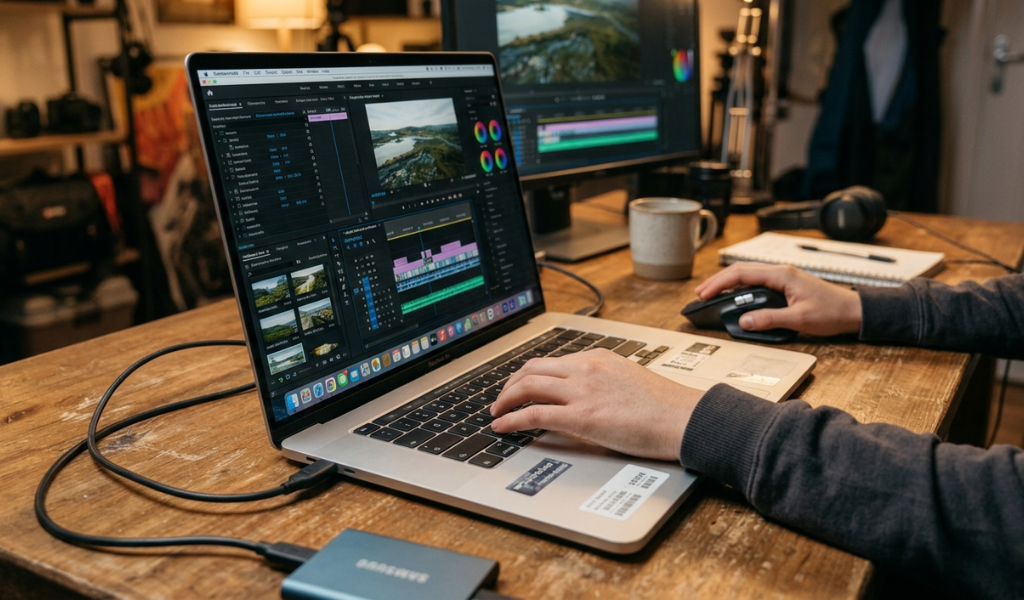
If there is one spec worth stretching your budget for, it is the processor. Video editing software like Premiere Pro, DaVinci Resolve, or Final Cut relies heavily on the CPU to render timelines, apply effects, and export footage quickly.
For smooth 1080p editing, a refurbished i5 laptop with a 10th generation or newer processor works well. But if you regularly work with 4K footage, multiple layers, or heavy colour grading, it is worth paying more for a refurbished i7 laptop. The extra cores and threads genuinely cut down your rendering and export time, which means more billable hours and less waiting around during a festive deadline crunch.
RAM: Do Not Settle for the Bare Minimum
Editing software is memory hungry, especially when you have multiple tabs, plugins, and preview windows open at once. Anything below 8GB will frustrate you within a week. For casual editing, 8GB is the bare minimum, but 16GB is the real sweet spot for anyone serious about video editing refurbished laptops.
The good news is that RAM upgrades are one of the more affordable add ons, so even if your chosen model comes with 8GB, ask the seller whether it can be upgraded to 16GB. This small investment pays off massively in smoother scrubbing and faster preview rendering.
Storage: SSD Over HDD, Always
This one is non negotiable. A laptop with a traditional HDD will feel painfully slow when you are importing large video files or scrubbing through a timeline. Always look for a refurbished laptop with an SSD, ideally 512GB or higher if your budget allows it.
SSDs drastically reduce load times, boot up your system faster, and handle large media files without the annoying lag. If you are choosing between more storage on an HDD or a smaller SSD, always pick the SSD and add an external hard drive for extra storage later.
Graphics Card: Worth It If You Do Heavy Colour Work
Not every editor needs a dedicated GPU, but if you work with 4K footage, motion graphics, or colour grading in DaVinci Resolve, a dedicated graphics card like an NVIDIA GTX or RTX series card makes a visible difference. It takes the load off your CPU and speeds up rendering significantly.
For basic cuts, transitions, and social media reels, integrated graphics on a good processor will manage just fine. So spend on a GPU only if your editing work genuinely demands it, otherwise save that money for a better processor or extra RAM.
Display Quality: Small Detail, Big Impact
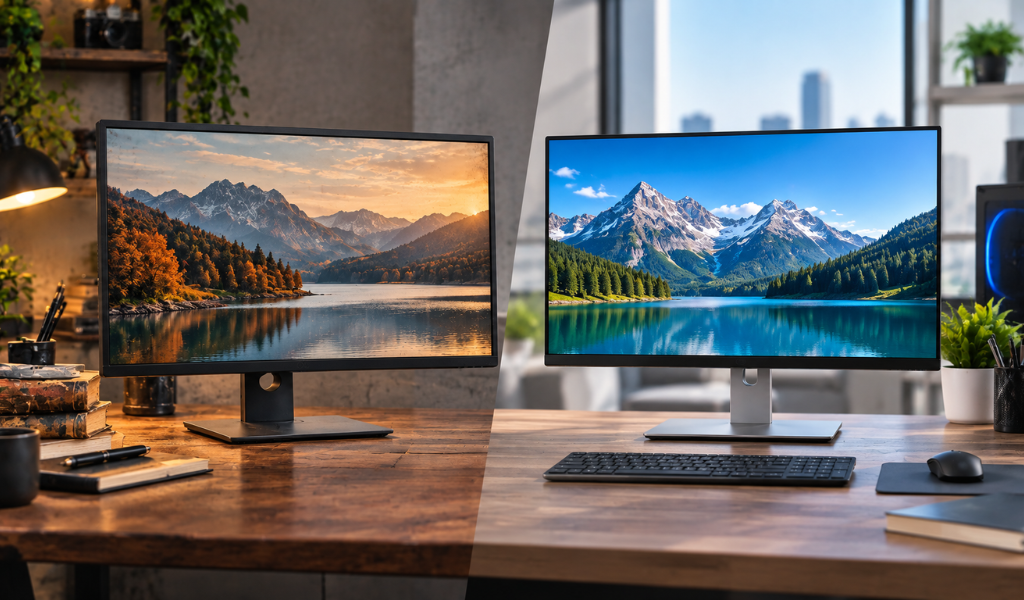
Colour accuracy matters more than people realise. A refurbished laptop with a Full HD IPS panel will show you truer colours compared to a basic TN display. If you are into serious colour grading, look for laptops that mention sRGB colour coverage in their specs. It is a small line item that most buyers skip, but editors who care about the final look of their videos should not ignore it.
Battery Life and Build Quality
Since you are buying second hand, always check the battery health percentage before finalising your purchase. A good refurbished laptop should have at least 80 percent battery health remaining. Build quality also matters if you plan to carry your laptop for outdoor shoots, client meetings, or college assignments, so a sturdy chassis is worth the extra rupees.
Final Thoughts: Gift Yourself the Right Upgrade This Festive Season
Buying refurbished laptops for video editing is one of the smartest decisions a content creator, student, or freelancer can make this festive season. You get performance that matches new laptops costing double, while staying within a reasonable budget. Just remember to prioritise the processor, RAM, and SSD storage first, and only pay extra for a graphics card or premium display if your editing work truly demands it.
At LapEasy, every refurbished laptop comes with proper testing and warranty, so you can shop with complete confidence this season. Whether it is a gift for yourself or someone special, a well chosen refurbished laptop for video editing is a present that keeps giving through every project you create.
Frequently Asked Questions
1. What is the best processor for a refurbished laptop for video editing?
An Intel i5 with a 10th generation or newer chip works well for basic editing, while a refurbished i7 laptop is better suited for 4K footage and heavy rendering tasks.
2. How much RAM do I need in a refurbished laptop for editing videos?
8GB is the minimum for light editing, but 16GB is recommended for smooth performance with multiple layers, effects, and 4K clips.
3. Is SSD necessary in a refurbished laptop for video editing?
Yes, an SSD is essential. It significantly speeds up file loading, boot time, and export speed compared to a traditional HDD.
4. Do I need a dedicated graphics card for video editing on a refurbished laptop?
Only if you work with 4K footage, motion graphics, or heavy colour grading. For basic cuts and social media content, integrated graphics work fine.
5. Are refurbished laptops reliable for professional video editing work?
Yes, as long as you buy from a certified refurbished laptop store with proper quality checks and warranty, like LapEasy, they perform reliably for professional editing tasks.